Excel used to be one of the most familiar tools for auto repair shops. From customer lists, vehicle details, estimates, and spare parts to overall revenue, many garage owners could start managing their business operations with just a few spreadsheets.
For a small-scale garage with low vehicle intake and a lean staff, this approach can fully meet basic operational needs. However, as vehicle volumes grow, repeat customers increase, and service cards alongside spare parts inventory multiply, continuing to rely on Excel may begin to reveal significant limitations. The issue is not whether Excel is good or bad, but whether the tool remains suitable for the garage’s current operational scale.
Excel is Still Useful, But Not Always Suitable for a Growing Garage
There is no denying that Excel brings many benefits to garages during their initial stages. It features a familiar, easy-to-use interface, can be customized according to specific needs, and does not require garages to invest in a complex management system. Garage owners can easily create customer tracking tables, enter license plates, record costs and revenue, or assemble spare parts lists. Particularly for small workshops with only a few employees and a low volume of daily incoming vehicles, using Excel remains a reasonable choice.
However, running a garage involves more than just saving a list of data. As operations expand, garage owners must manage multiple workflows simultaneously:
- Vehicle intake and appointment scheduling
- Customer and vehicle information management
- Repair estimate generation
- Service job card creation and tracking
- Spare parts procurement management
- Inventory tracking and stock intake/outflow
- Repair progress monitoring
- Service billing and final settlement
- Repair history tracking
- Customer care and maintenance reminders
- Monitoring revenue, expenses, and operational efficiency
At this point, the question is no longer “Can we manage with Excel?”, but rather “How much time and resources are lost by continuing to manage with Excel?”
1. As Vehicle Intake Increases, Data Scales Alongside It
One of the first challenges to arise as a garage grows is the expanding volume of data. A single customer may own one or multiple vehicles. A single vehicle may return to the garage multiple times a year, generating different repair items, spare parts usage, and service costs during each visit.
If all this information is stored across separate Excel sheets, staff may have to search through multiple files or tabs just to answer a seemingly simple question: “What was repaired on this vehicle last time?” or “Which spare parts were replaced for this customer, and when?”
When data volume is low, manual searches pose little inconvenience. But once a garage accumulates hundreds or thousands of repair logs, manual lookups become increasingly time-consuming.
More importantly, data grows not only in volume but also in interconnectedness. A vehicle’s record links directly to customer profiles, service history, parts usage, assigned technicians, costs, and various other operations. Excel can store this data, but linking and retrieving it conveniently during daily operations becomes increasingly difficult if management processes remain heavily dependent on manual input.
2. Multiple Excel Files Cause Fragmented Data
A common scenario in auto repair shops is that each department or employee maintains a separate file: a customer database file, a vehicle tracking file, an inventory file, a revenue file, and an accounts receivable file. There may even be additional spreadsheets shared over messaging apps or stored on personal computers.
While this approach addresses immediate needs, it creates a major long-term issue: data fragmentation. When a garage owner wants to check the status of a vehicle, they may have to ask staff to locate the relevant file. When cross-checking spare parts, another spreadsheet must be opened. When reviewing revenue or repair history, the necessary data might reside in a completely different location.
This not only slows down daily operations but also prevents garage owners from obtaining a clear, real-time overview of shop floor activities. An effective management system must do more than store data—it must help users retrieve the right information at the right time.
3. Employees Waste Time on Repetitive Tasks
When managing operations through Excel, many tasks still require staff to enter and update data manually. For example, when a vehicle arrives at the workshop, an employee may need to manually input customer details, vehicle parameters, repair descriptions, and cost breakdowns into separate tables. Once the service is completed, the data must be updated again. If the customer returns later, staff must search for old records all over again.
While each individual action may take only a few minutes, when a garage handles dozens of vehicles daily, the cumulative time spent on data entry, searching, and cross-checking accounts for a substantial portion of the workforce’s productive hours. This represents a hidden cost that garage owners rarely spot on financial reports. Although a business does not explicitly pay a bill labeled “data lookup costs,” it pays for it through lost time and diverted labor.
Therefore, when evaluating the efficiency of a garage management tool, shop owners should look beyond software licensing costs and account for the operational overhead generated by manual workflows.
4. Difficulty in Tracking Repair History and Customer Care
One of the most valuable assets of garage data is each vehicle’s repair history. When a customer returns, knowing what was previously repaired enables staff to provide faster, well-informed advice. For instance, staff can instantly check:
- Which services were performed on the vehicle in the past?
- Which spare parts were replaced?
- When was the last service conducted?
- What ongoing issues were noted previously?
- Which services does the customer frequently request?
If this information is comprehensively archived and easily searchable, the garage can take a proactive approach to customer service. Conversely, if repair records are scattered across various files or rely on employee memory, the customer experience suffers. A returning customer who is forced to re-supply basic information from scratch is unlikely to perceive the workshop as professional. Furthermore, when a garage attempts to build proactive customer care initiatives—such as automated maintenance reminders, service interval tracking, or suggested checkups—the lack of centralized data becomes a major barrier.
5. Managing Parts in Excel: Easy to Start, Hard to Control at Scale
Parts management is one of the most complex operational challenges for any garage. A workshop may carry hundreds or thousands of unique part SKUs. Each SKU has its own stock levels, purchase prices, supplier details, and inventory movement logs.
When inventory is small, Excel can help track basic quantities. But as SKU counts expand, controlling stock levels using manual spreadsheets becomes risky. A single missed entry, delayed update, or quantity error can cause spreadsheet figures to diverge from physical stock. The consequences include:
- Under-purchasing → Insufficient parts to complete repairs on time.
- Over-purchasing → Capital tied up in idle inventory.
- Unclear storage locations → Time lost searching for parts.
- Uncontrolled stock movements → Difficulty identifying the root cause of inventory discrepancies.
As procurement and inventory operations scale, garages require a management approach capable of seamlessly connecting data across services – parts – inventory – suppliers, rather than relying on isolated spreadsheets.
6. As Teams Expand, Excel Reaches Its Limits
A garage owner can manage an Excel spreadsheet independently with relative ease. However, as more employees join daily operations, new challenges emerge: Who is currently updating the sheet? Where is the latest version saved? Has the information been updated yet? If two employees edit or reference different versions of a spreadsheet simultaneously, which set of figures represents the truth?
These operational friction points highlight an important reality: garage management requires more than just storing data—it requires a unified workflow. When every team member operates differently, controlling data quality and tracking work progress becomes increasingly difficult for shop owners. This is the stage where a centralized management model becomes essential.
7. When Should a Garage Transition from Excel to Management Software?
There is no fixed threshold or set vehicle count that dictates when a garage must abandon Excel. Instead, garage owners can look for operational indicators. A garage should consider transitioning if it encounters signs such as:
- Staff frequently waste time retrieving vehicle information.
- Too many separate Excel spreadsheets require manual updates.
- Data discrepancies exist between different departments.
- Tracking vehicle repair history is difficult.
- Inventory levels and spare parts are hard to control.
- Garage owners lack real-time visibility over repair progress.
- Estimating, parts purchasing, and billing remain heavily dependent on manual inputs.
- Returning customers cannot be easily matched with their past service history.
- Vehicle intake is increasing, but management methods remain unchanged.
These indicators suggest that current management tools are no longer keeping pace with the shop’s operational scale. Transitioning to a specialized management system is not merely about replacing data entry software—it represents a fundamental shift in how the garage organizes and controls its end-to-end operational workflows.
8. How GMS Enables Centralized Management Over Fragmented Files
A Garage Management System (GMS) is designed to help auto repair facilities consolidate their operations onto a single, unified platform.
Instead of relying on multiple Excel files for individual tasks, garages can manage customer relationships, vehicle parameters, appointment schedules, job cards, parts inventory, stock movements, and financial settlements within one integrated system. The value extends beyond replacing spreadsheets: the primary benefit lies in seamlessly connecting data across all operational stages.
Once vehicle details are logged into the system, the data flows through every stage of customer service. Repair histories are automatically archived for future visits. Parts usage links directly to specific job cards. Purchasing and warehouse management workflows become structured and transparent. As a result, staff eliminate repetitive lookups and manual data entry, while garage owners gain full operational visibility over workshop activities.
9. Replacing Excel Alone Will Not Automatically Fix Operations
It is important to emphasize that simply switching from Excel to software does not guarantee instant operational efficiency. Technology delivers real value only when implemented alongside well-defined processes.
A garage must first identify its specific operational pain points—whether in customer management, repair history tracking, inventory control, parts sourcing, job progress tracking, or revenue monitoring. Once identified, the system must be adopted consistently by all relevant personnel. The ultimate goal is not merely “owning software,” but eliminating manual overhead, enhancing operational control, and turning business data into a tool for informed decision-making.
For growing auto repair shops, the question to ask is not “Is Excel good?”, but rather: “Does our current management approach still support the pace of our business growth?”
From Excel to Digital Management: A Key Transition for Auto Repair Shops
Excel still holds a place in garage management, particularly for smaller facilities with straightforward requirements. However, as vehicle volume, customer bases, staffing levels, and operational data expand, continued reliance on fragmented spreadsheets forces businesses to spend extra time on tasks that could otherwise be standardized and automated.
A sustainably growing garage requires more than technical repair expertise; it demands effective management of data, spare parts, customer relationships, and daily workflows. This is why digital transformation in garage management is gaining momentum across the automotive service industry. Instead of allowing operational data to remain scattered across multiple files, garages can progressively consolidate their core activities into a centralized management platform.
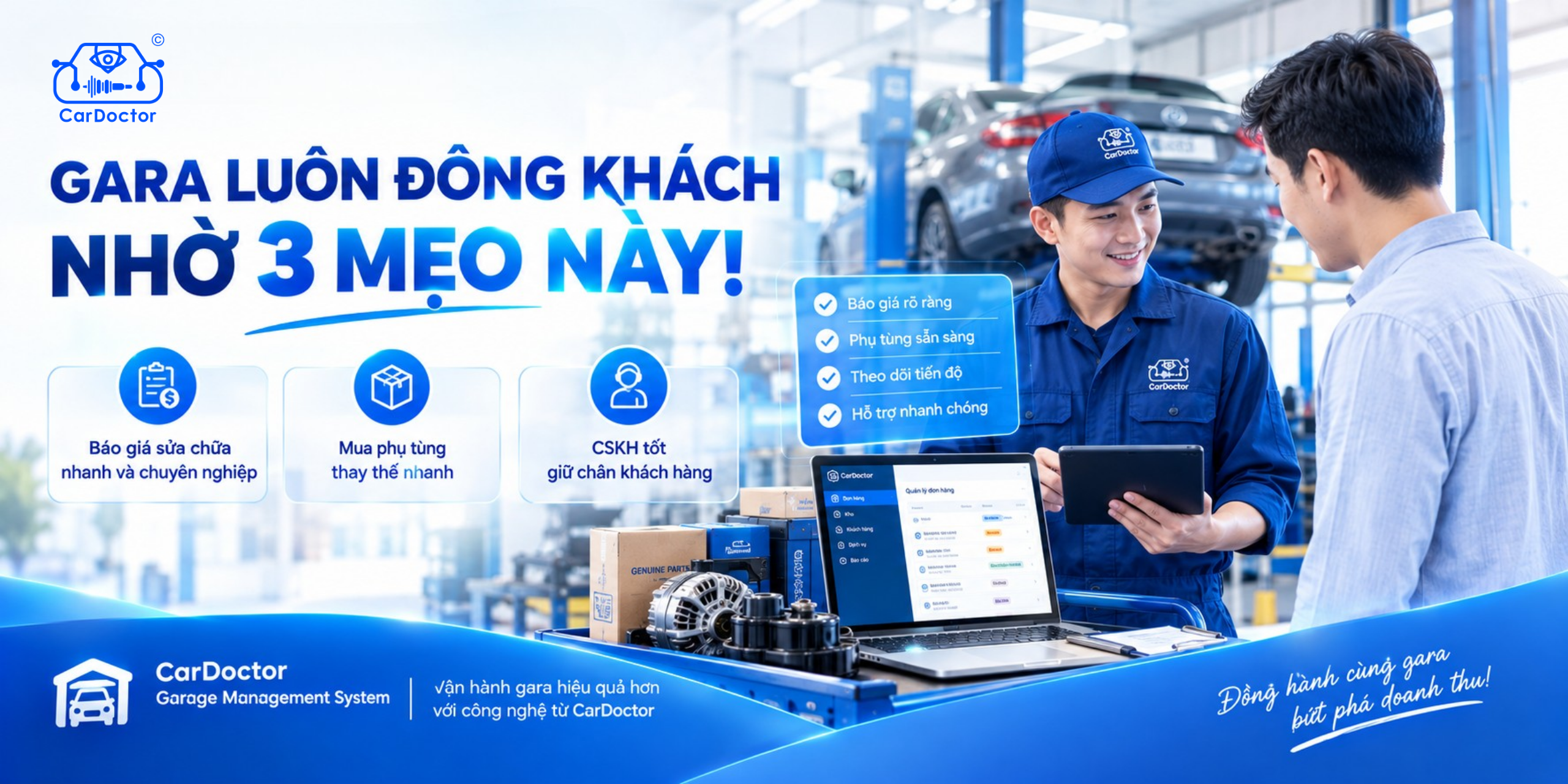
Through its Garage Management System (GMS), CarDoctor aims to help auto repair shops manage their entire operations comprehensively—from customers, vehicles, and services to parts, inventory, repair histories, and billing. By centralizing operational data, employees spend less time searching for records and entering data, while garage owners gain a clearer, real-time view of shop floor activities.
Excel can serve as a great starting point. But as a garage grows, adopting a specialized management system is the logical next step toward achieving operational efficiency.
👉 Follow the CarDoctor website to stay updated on garage management insights, spare parts trends, automotive technology, and digital transformation in the auto service industry.